How it works
From a saved post to a thing you actually did.
Sideable sits between the things you find and the life you're actually living. Here's exactly what happens, step by step.
01
You save something
Paste a link from Instagram, TikTok, YouTube, Pinterest, a recipe site or a blog. Or type it in your own words — “that shoulder mobility thing from the physio”. If it caught your attention, it belongs here.
02
Sideable reads it
It works out what the thing actually is — a recipe, a flow, a home project, a trip, a business idea — and pulls out the details you'd otherwise have to re-watch the video to find. If something isn't in the source, it's left blank rather than invented.
03
It gets filed
Every save lands in a collection with a title, a short summary and tags. Sideable suggests where it goes; you can move it, rename it, or make your own collections. There is no folder maintenance.
04
You give it a when
Tonight, this week, or someday. That single choice is what turns a pile of saves into a short list of things you might actually do.
05
You find it again
Search in plain language — “quick dinner with what's in the freezer”, “something gentle for my back”. Sideable understands what you mean, not just what you typed.
06
Pick one for me
When you have time but no decision in you, tap it once. Sideable suggests exactly one thing from your own library, with a reason. You can ask for something else.
07
Clues, over time
As your library grows, Sideable occasionally shows you a pattern in what you keep saving. It's not a suggestion and it's not a score — just something you might not have noticed about yourself.

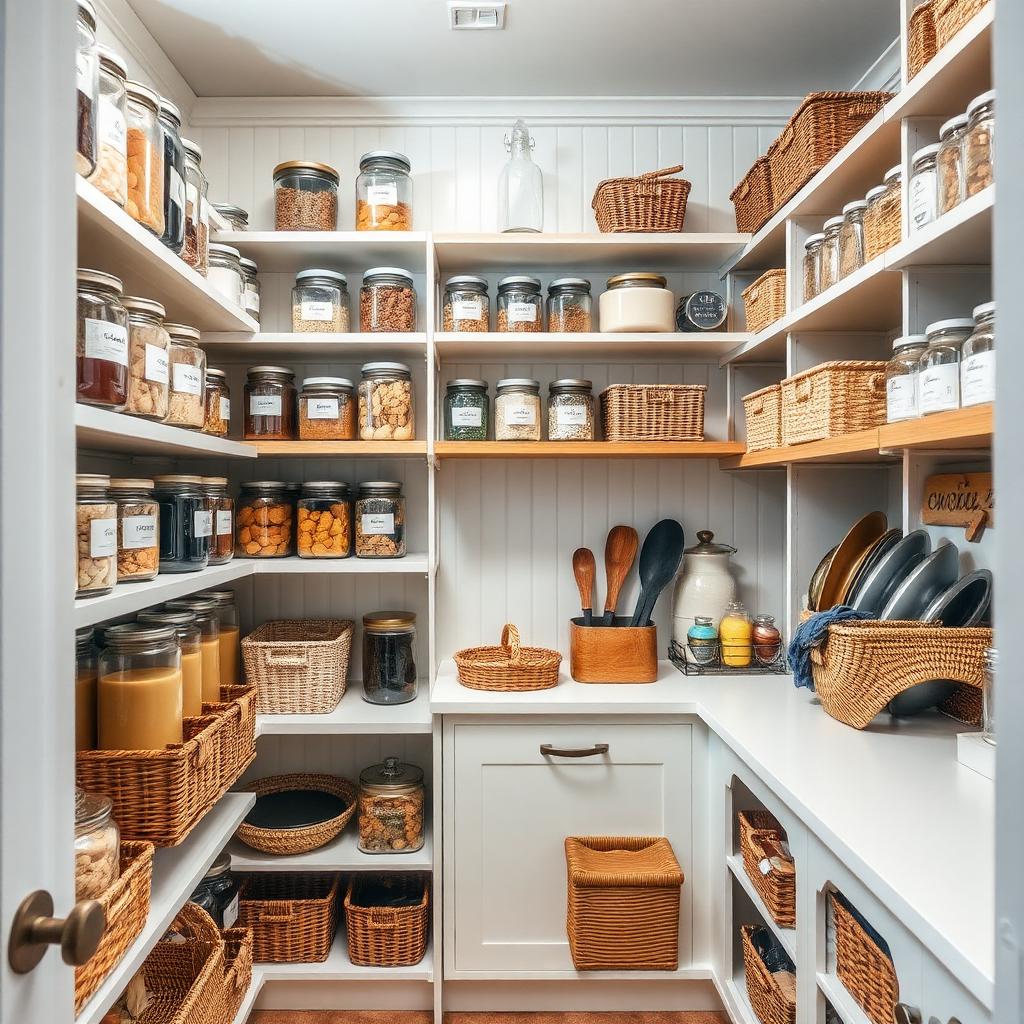
What a card holds
Everything you'd have to re-watch to find.
- Time, servings, difficulty, cost — whatever fits the thing
- The ingredients, equipment or steps you'll need
- Who made it and where it came from, with the original link
- Your own notes, and whether you've tried it yet
Try it right now
Paste something you saved. Watch what Sideable does with it.
A link from Instagram, TikTok, YouTube or Pinterest — or just describe it in your own words. No account needed to see the result.
We found this
Example result
Miso Mushroom Pasta
Recipe · 30 min · Weeknight dinner
- Suggested collection
- Recipes
- Why Sideable saved it this way
- A quick savory pasta with mushrooms, miso, and pantry staples.
- Tags
- miso · mushrooms · pasta · quick dinner
- Source
Paste a link or describe a save on the left — your result replaces this one.
Questions people ask
Do I have to reorganize everything I've already saved?
No. Start with the next thing you save. Sideable is useful from the first item and gets better as it fills up.
What if a link doesn't have all the details?
Then the card shows what was actually there. Sideable won't fabricate a cook time or a difficulty it can't see.
Is this a social app?
No feed, no followers, no streaks. Your library is private and it's only yours.
What happens if I stop paying for Premium?
Nothing you saved disappears. You keep everything and go back to the free limits for new saves.